For Week 4, I began finalising my idea for my quadriptych and keeping in mind the feedback I had received from my peers and family and friends alike. I like to show my work to people outside of the design scene as well, as I feel their perspective is very fresh and they can see things stuff we won’t see as they don’t have a tunnel vision into design. Because of this, I think they see the picture clearer than us, as odd that sounds!
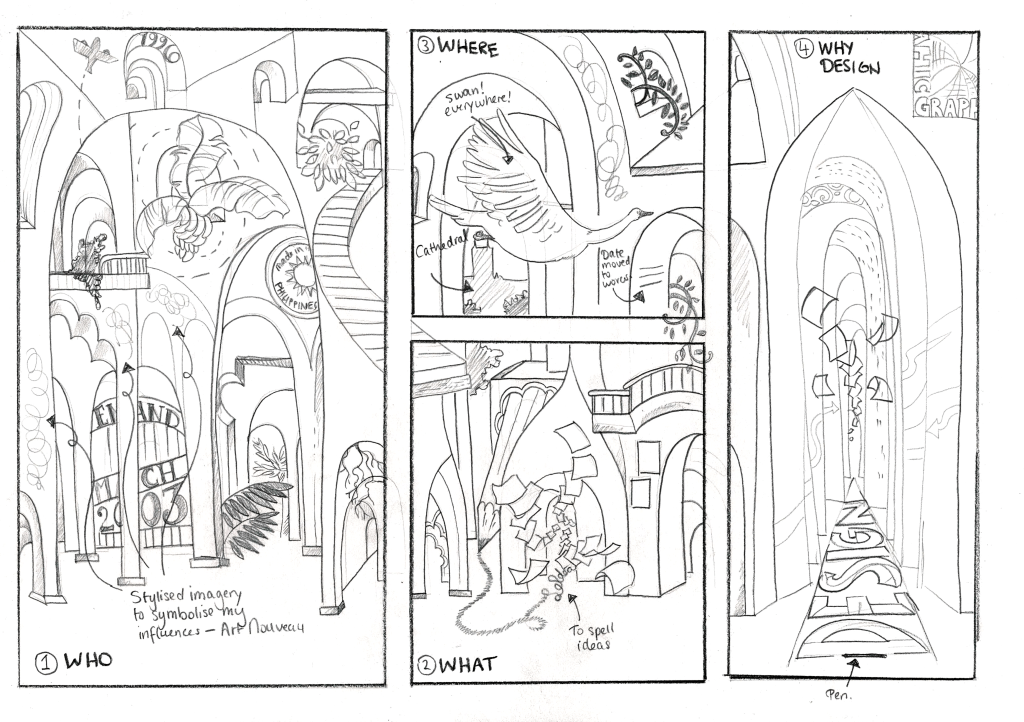
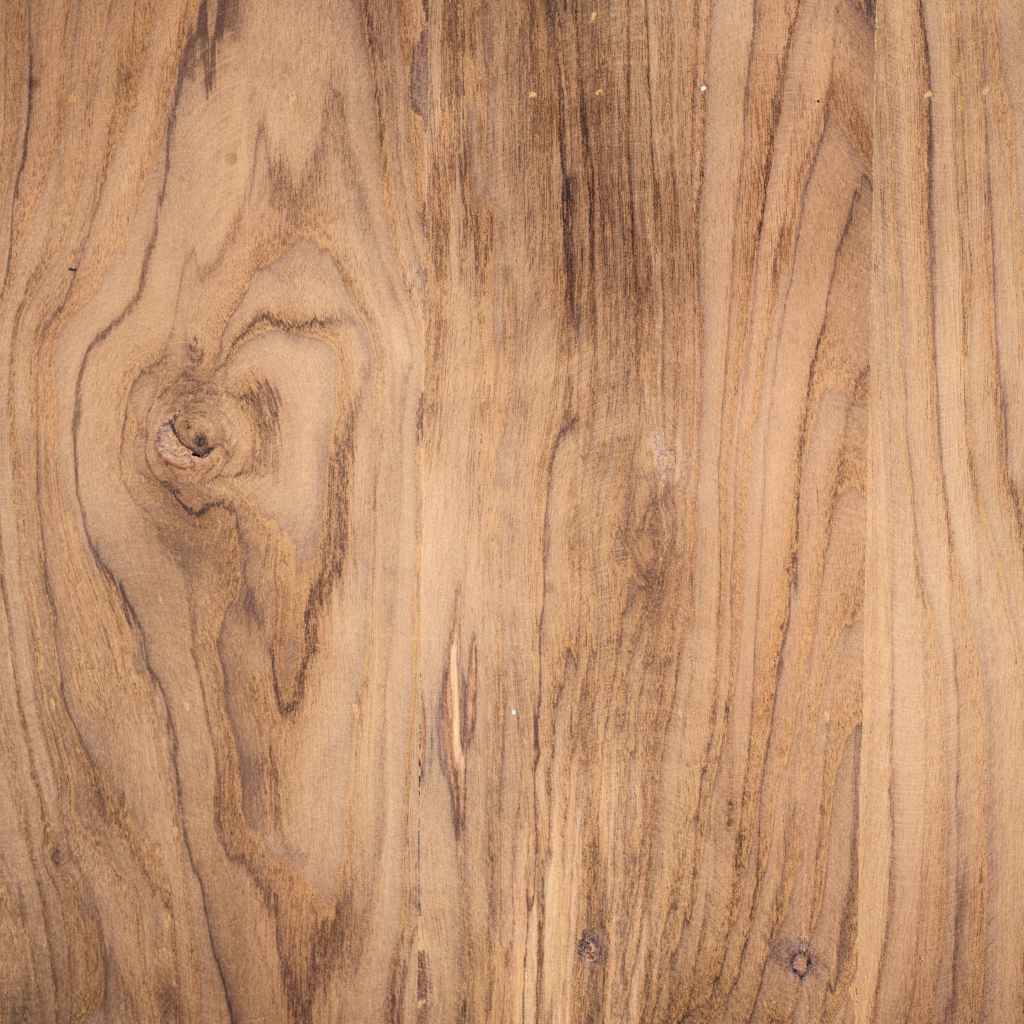
I made my sketch and scanned it to adapt this into a graphic that I can then convert into a wood engraving imitation. I went to look into Pexels, a free stock image resource, for a good wooden texture that I can work with. I had found this stock image shown below.
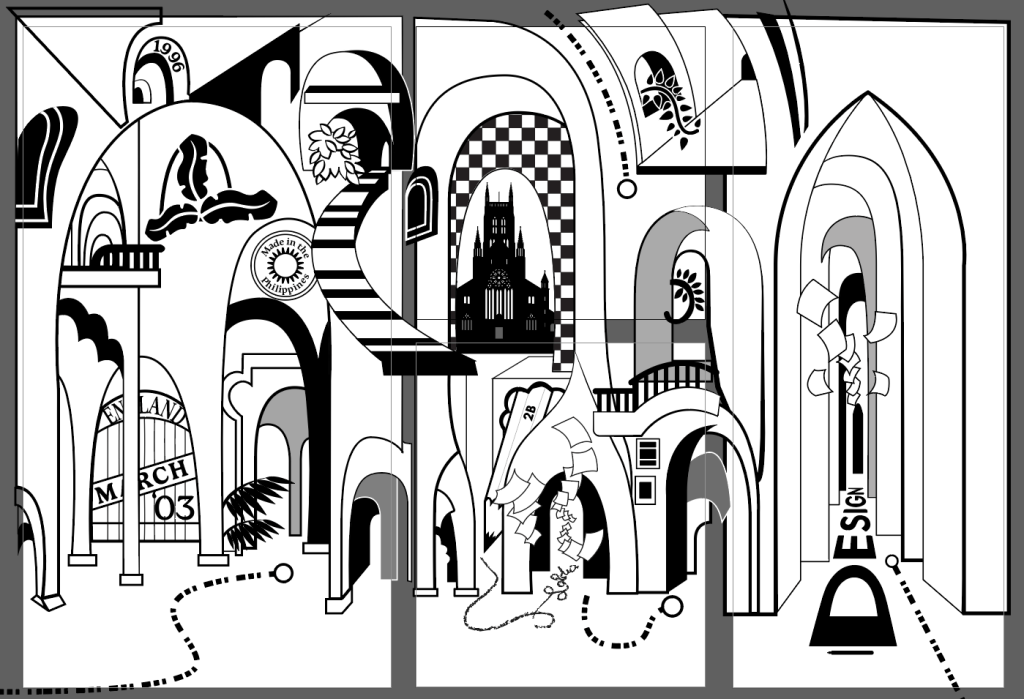
I then adapted my work unto Adobe Illustrator, which bleeds across multiple artboards. I wanted to create an overall image but also something that could work separately – a bit like puzzle pieces to an overall artwork, and I found myself eventually omitting some things from the initial sketch itself. I’ve always filled out my pages when it comes to design and art, and I was never particularly fond of white spaces. But gradually, while studying and working full-time as a graphic designer, I’ve come to realise that white spaces are good to have as pockets of freshness and where your eyes could rest from the visual story unfolding before you.
Though my work is still very detailed, I have included spaces for where the art and viewer could breathe, especially since I want to make it look like an engraving, the textures and the line art could potentially be overkill.
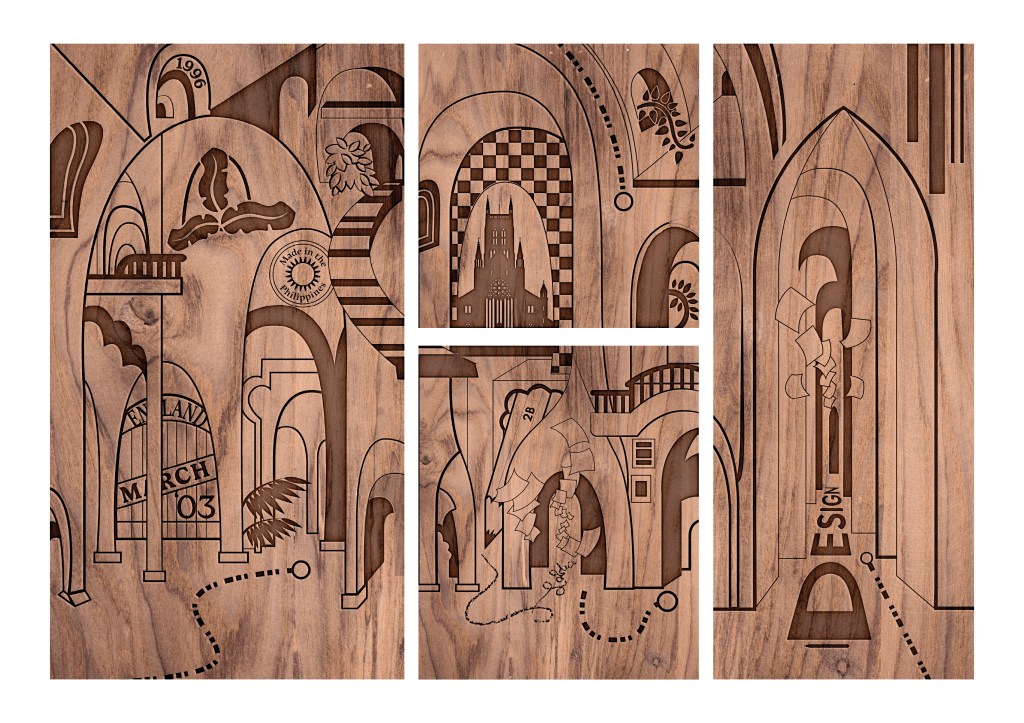
Once I was done with my vector artwork, I imported the files into Photoshop to give it a wooden engraving effect using the Layer Blend Options and playing with Satin and the Inner Shadow to make it seem like its been carved into wood.
 Gennifer's Blog
Leave a comment